
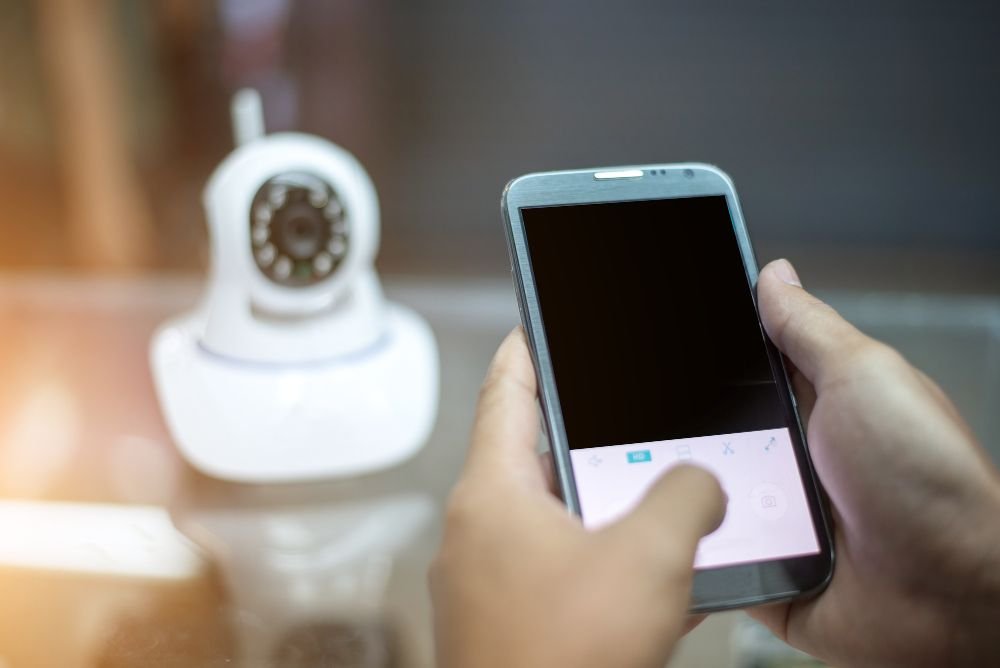
In today’s world, being able to monitor your CCTV cameras directly from your smartphone is one of the biggest advantages of modern security systems. It allows you to check your home, office, or shop anytime, anywhere. But sometimes users face an issue where the CCTV feed is not showing up on their mobile device. This naturally makes them ask: Why CCTV camera is not working in mobile? Let’s explore the most common reasons behind this problem and how to fix them. 1. Internet Connection Issues One of the most frequent causes is a weak or unstable internet connection. CCTV cameras that are connected to DVR/NVR systems often require strong internet to send video to your phone app. 2. Incorrect App Settings Most CCTV systems Installation come with their own mobile apps such as Hik-Connect, iVMS, or XMeye. If the app is not configured correctly, the video feed won’t appear. 3. Port Forwarding or Network Configuration For remote access outside your local Wi-Fi, the router must be set up with proper port forwarding or P2P configuration. If this is missing or incorrectly done, the CCTV feed won’t show on your mobile. Many people struggle with this step because it’s a bit technical. In such cases, professional assistance is often the best solution. 4. Outdated Firmware or Device Software Sometimes the camera itself or the DVR/NVR requires a firmware update. Without it, compatibility issues may arise with the mobile app. Manufacturers regularly release updates to fix bugs and improve stability, so always check if updates are available. 5. Power Supply or Hardware Problems If your CCTV system has a faulty power adapter, damaged cables, or loose connections, the feed will not reach your phone. A quick inspection of the physical setup often reveals these problems. 6. Permissions on Mobile Phone Many users forget that mobile apps need permission to access the internet, storage, and notifications. If you recently updated your phone or app, check the permission settings. Blocking background data or app activity may prevent the live feed from working. Quick Fix Checklist Here’s a quick way to troubleshoot: Final Thoughts So, why CCTV camera is not working in mobile? The reasons usually come down to internet issues, incorrect app setup, outdated software, or hardware faults. By carefully checking each of these, most problems can be solved without much hassle.

Is CCTV Camera in Cinema Hall?
When we go to watch a movie, the last thing we think about is security. Yet, cinema halls are large public places where hundreds of people gather daily. This naturally raises the question: Is CCTV camera in cinema hall? The simple answer is yes most cinemas around the world, including Pakistan, do have surveillance systems installed. But why are they so important, and how are they used? Let’s break it down. Why Cinemas Use CCTV Cinema halls are more than just entertainment venues; they are also businesses that handle large crowds, expensive equipment, and daily cash transactions. Because of these reasons, CCTV plays a vital role: Where Are Cameras Installed in Cinemas? Although you won’t usually find cameras pointing directly at the movie screen (to avoid distraction), CCTV is placed in several key areas: Inside the cinema hall itself, some security cameras may be installed discreetly, but they are positioned to maintain privacy while still ensuring safety. Do Cameras Record Inside the Screening Room? This is where it gets a little tricky. While cameras may exist inside, they are usually not focused on people’s private behavior, but rather on the overall crowd for safety reasons. The purpose is not to invade privacy but to ensure security and prevent illegal recording of movies. In many countries, cinema halls are legally required to have surveillance in public areas. However, laws also protect personal privacy, which means the footage is only used for safety or legal matters. Benefits for Visitors Some people may feel uncomfortable knowing cameras are around, but in reality, CCTV offers several benefits for moviegoers: Final Thoughts So, is CCTV camera in cinema hall? Yes, and for good reasons. From managing large crowds to preventing piracy, CCTV ensures that both cinema owners and visitors stay safe. It’s not about invading privacy—it’s about creating a secure and enjoyable environment for everyone. Need CCTV Installation in Rawalpindi or Islamabad? Whether it’s a cinema, shopping mall, office, or your own home, Guru Service provides professional CCTV installation services tailored to your needs. Our experts guide you in choosing the right cameras, setting up monitoring systems, and ensuring complete safety. Call Guru Service today and get a reliable CCTV system installed for your business or home. Protect your space with experts you can trust!
Is CCTV Camera Need Internet Connection?
When setting up a security system, many people wonder: “Is CCTV camera need internet connection?” The answer is not as straightforward as yes or no. It depends on how you plan to use the cameras and what features matter most to you. Some people only want to record footage for later viewing, while others want advanced options like checking live video on a mobile phone. Let’s break it down so you can understand clearly. How CCTV Works Without Internet A traditional CCTV system records everything on a DVR (Digital Video Recorder) or NVR (Network Video Recorder). Cameras are connected through wires or a local network, and the footage is stored on a hard drive. With this setup, you can: This is a simple and reliable option for people who only want local monitoring. For example, if you run a shop and only need to check recordings on-site, you don’t necessarily need an internet connection. How CCTV Works With Internet Adding an internet connection opens the door to more advanced features. In this case, the CCTV system connects to your home or office Wi-Fi, and you can access it remotely using your mobile app or computer. Benefits of connecting your system to the internet include: This option is best for people who travel often, own multiple properties, or want to keep an eye on their home while they are away. Pros and Cons of Both Options Without Internet Simple setupNo extra data chargesWorks even if Wi-Fi is downNo remote accessNo cloud backup With Internet Watch live video anytime, anywhereGet alerts for security threatsStore recordings safely onlineRequires a stable internet connectionCan be slightly more expensive Which Option Should You Choose? It depends on your needs: Remember, internet connection is not mandatory for CCTV to work, but it definitely makes your security system smarter and more effective. Get Expert Advice and Installation in Rawalpindi & Islamabad Still unsure which option suits you best? That’s where professionals can help. At Guru Service, we provide expert CCTV installation services in Rawalpindi and Islamabad. Whether you need a simple offline setup or a complete smart system with internet access, our team will guide you step by step. Call Guru Service today and secure your property with a CCTV system tailored to your needs.
Can CCTV Camera Record Voice?
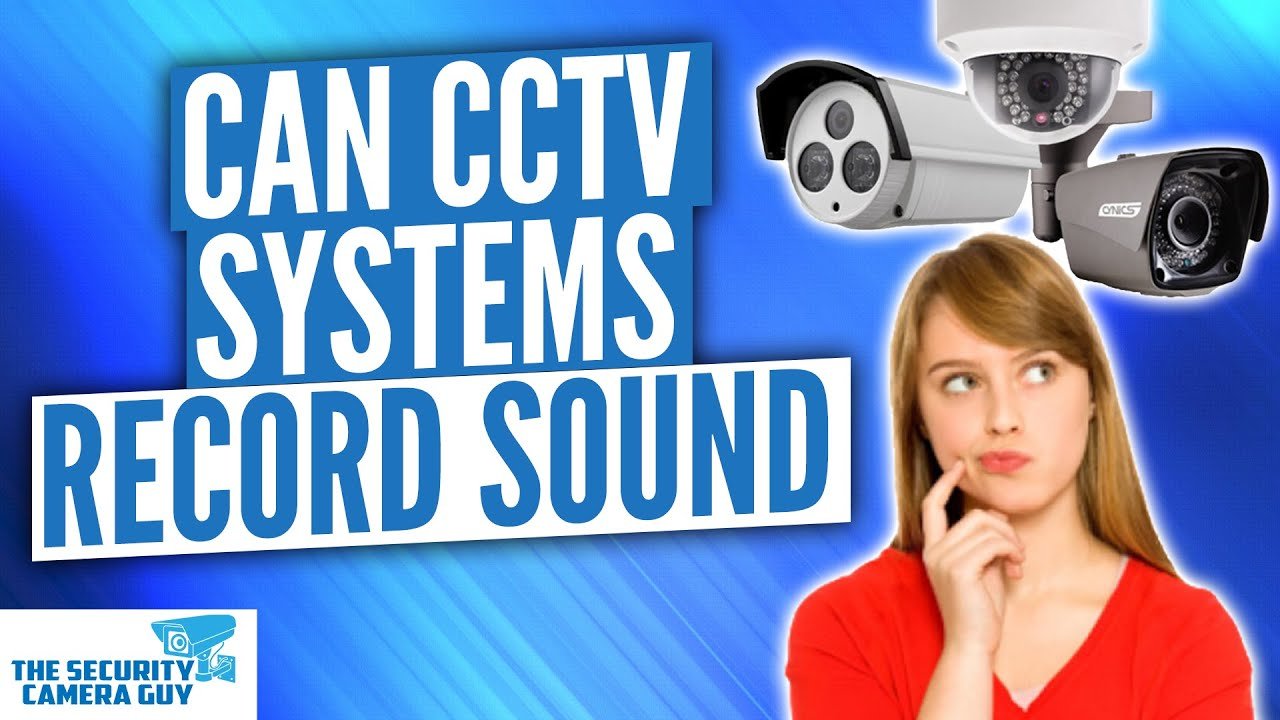
Many people install security cameras to protect their homes, shops, or offices. While video monitoring is common, a question often comes up: can CCTV cameras also record sound? The answer is yes but it depends on the type of camera you buy. How CCTV Cameras Record Audio Not all cameras have built-in microphones. Some only record video, while others are designed with audio features. Here’s how it works: Where Audio Recording is Useful Limitations of CCTV Audio While it sounds useful, there are a few things to remember: Should You Buy a Camera with Audio? If you want an extra layer of monitoring, yes, it can be helpful. But if your main goal is outdoor security, focusing on high-quality video may be more important than audio. Always choose a camera based on your needs. Get Expert CCTV Installation in Rawalpindi & Islamabad Still unsure which camera is right for you? At Guru Service, we don’t just install cameras — we guide you in choosing whether you need video-only systems or full audio + video recording solutions. Call Guru Service today for professional CCTV installation in Rawalpindi and Islamabad.
Which CCTV Camera is Best in Pakistan?
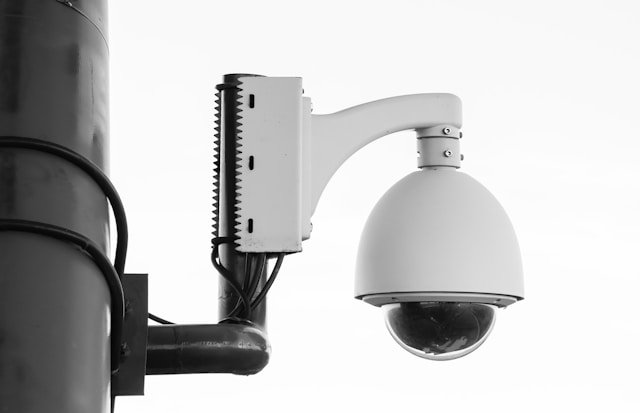
When it comes to protecting your home, office, or shop, choosing the right security camera is one of the most important decisions you can make. With so many options available in the market, people often get confused about which brand or model will give them the best value for money. In Pakistan, especially in cities like Rawalpindi and Islamabad, the demand for reliable cameras is growing because of increasing security needs. To make your choice easier, let’s look at some of the most trusted brands, their features, and how to decide which one fits your requirements. Popular Brands in Pakistan Several international and local brands are available here, but a few stand out for quality and after-sales support: What Features Should You Look For? The “best” camera depends on your needs. Instead of just chasing brand names, focus on features that actually matter: Best Picks for Different Needs Here are some examples based on common situations: Final Word So, there isn’t just one “perfect” camera for everyone. The best choice depends on your budget, location, and the level of security you want. A family in a small house may need something different from a shop owner with a busy marketplace store. Secure Your Property with Expert Help Still confused about which option is right for you? Don’t worry. At Guru Service, we help customers in Rawalpindi and Islamabad select and install the most suitable security cameras for their needs. Our team makes sure your system is set up correctly and connected to your mobile phone for easy monitoring. Call Guru Service today and get professional CCTV installation with complete guidance on the right camera for your home or business.
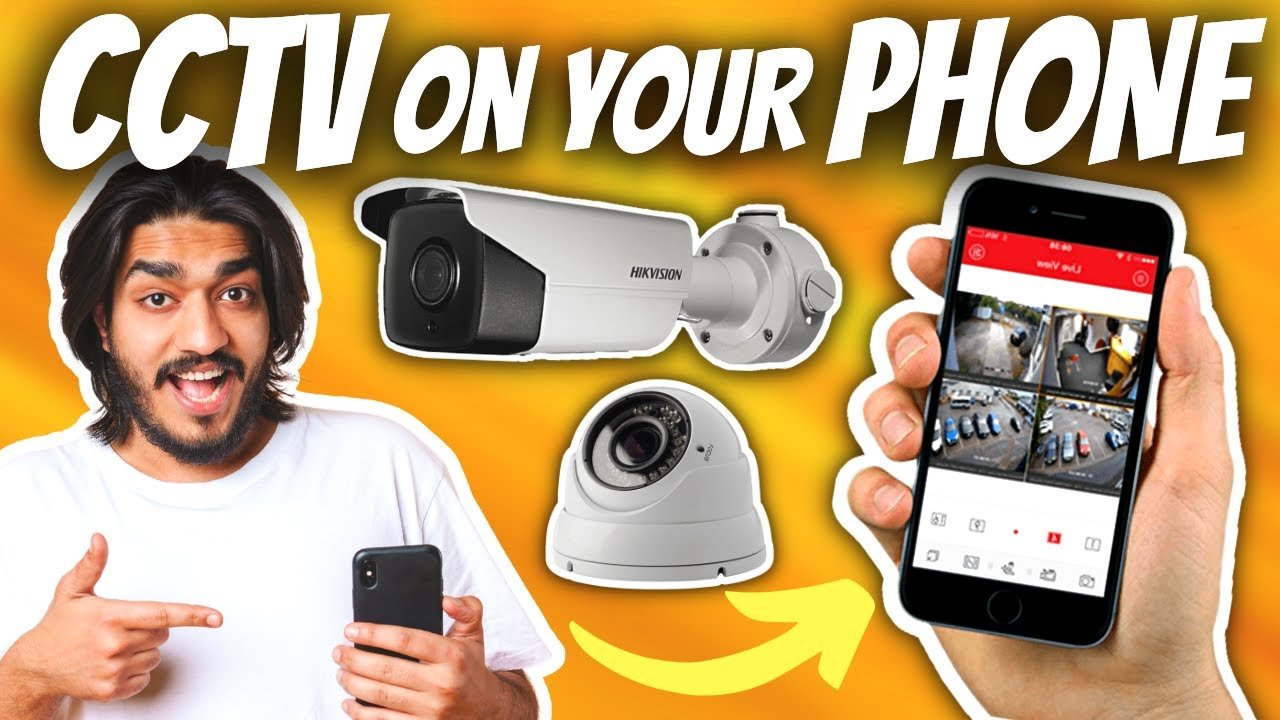
How to Connect CCTV Camera with Mobile
In today’s digital world, keeping your home, office, or shop secure has become a top priority. Luckily, technology has made it simple to keep an eye on your property from anywhere. One of the most effective ways is to connect your CCTV camera with mobile. This allows you to monitor live video, receive alerts, and manage your security system right from your smartphone. Whether you are in Rawalpindi, Islamabad, or even traveling abroad, mobile connectivity ensures that your security is always in your hands. In this guide, we will walk you through the simple process of connecting your CCTV cameras to your phone and why it is an important step for modern security. Why Should You Connect CCTV Camera with Mobile? Many people still rely only on DVR screens for monitoring their cameras, but mobile access offers countless benefits: Step-by-Step Guide: How to Connect CCTV Camera with Mobile Here’s how you can connect your CCTV cameras with your mobile phone in just a few simple steps: 1. Download the CCTV Mobile App Every CCTV system comes with a recommended mobile app. Popular options include Hik-Connect, iVMS-4500, XMEye, and V380. These apps are available on both Android and iOS devices. 2. Connect the DVR/NVR to the Internet Make sure your CCTV DVR or NVR system is connected to a stable internet connection. You can use a LAN cable or Wi-Fi depending on the model. 3. Open the App and Scan QR Code Once installed, open the mobile app and scan the QR code printed on your CCTV DVR/NVR device. This will automatically link your CCTV system with your smartphone. 4. Login with Credentials Enter your username and password (set during installation). To keep your system safe, always use a strong password and update it regularly. 5. Watch Live Footage Anytime After successful login, you can access live streaming of your CCTV cameras. Most apps also allow you to record clips, capture screenshots, and adjust video settings. Pro Tips for Smooth CCTV Mobile Monitoring Need Help? Contact the Experts at Guru Service While the process may sound easy, many people struggle with technical issues during setup. Sometimes the mobile app does not connect properly, or the DVR settings can be confusing. That’s where professionals come in. At Guru Service, we specialize in CCTV camera installation in Rawalpindi and Islamabad. Our team not only installs CCTV cameras but also configures them with your mobile device for smooth monitoring. We make sure that your security system is fully optimized and connected to your smartphone without any hassle. Don’t Leave Your Security to Chance – Act Now! If you want professional CCTV installation with complete mobile setup, contact Guru Service today. We provide expert CCTV camera installation in Rawalpindi and Islamabad with full technical support. Call Guru Service now and secure your home or office with mobile-connected CCTV cameras.Visit our website: Guru Service for more details. Stay connected, stay secure – with Guru Service, your safety is always just a tap away!